Automated external blinds are convenience, comfort, safety and increased functionality of the home space. Thanks to modern solutions, such as electric and remote control, users can adjust the operation of blinds to their individual needs. However, it is worth knowing step by step how to properly install and configure this system.
Check out the roller shutter controllers at the Onninen wholesaler
How to choose a cable to control blinds?
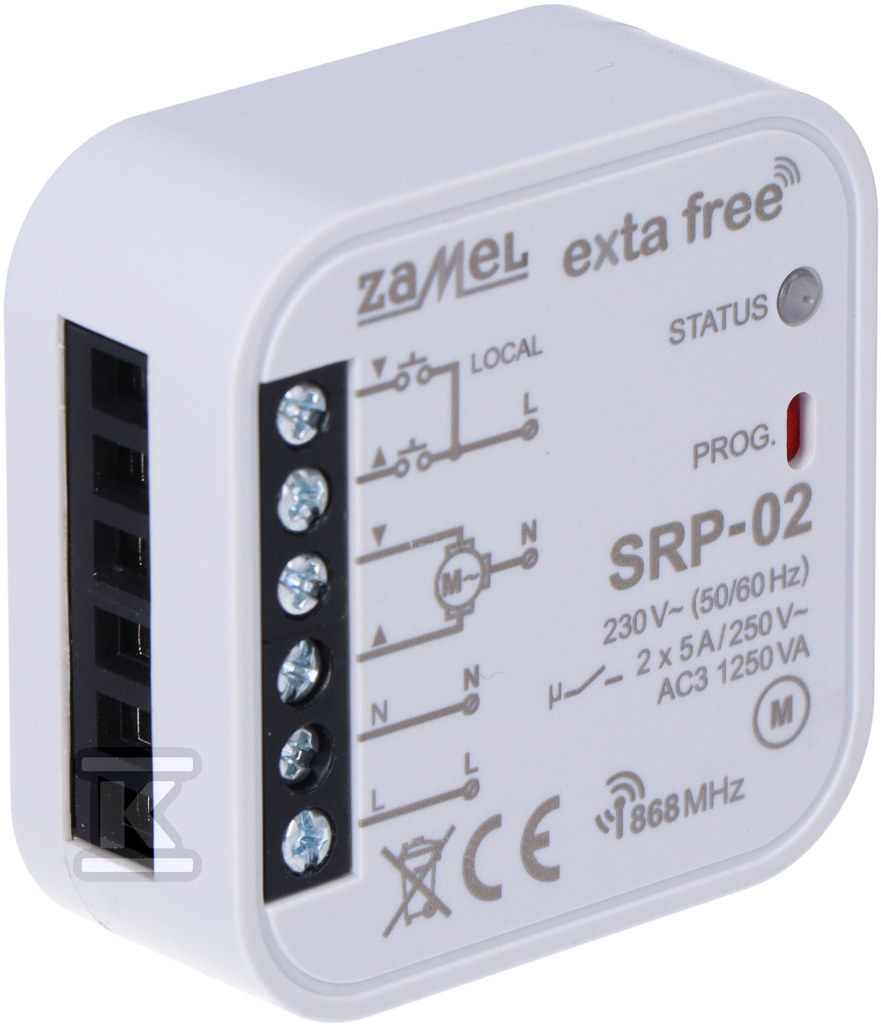 Electric control allows for more convenient management of blinds compared to traditional methods. It allows for remote control of blinds, opening and closing, programming schedules or integration with other systems in the house, e.g. heating or lighting. In the case of automatic blinds, the ability to control using a mobile application is key, which significantly increases their functionality and gives users more control.
The right choice of cabling affects the entire system. Before installation, consider:
- Motor – whether the blinds are wired or wireless.
- Power and voltage,
- Possibility of integration with a smart home system,
- Cable length.
In the case of wired blinds, you should also make sure that the electrical installation in the house meets the technical requirements. In turn, in wireless systems, the priority will be to configure a stable Wi-Fi connection, which allows remote control.
Step-by-step installation of controlled blinds
Modern solutions, such as control from a mobile app, offer users maximum convenience, allowing them to manage the system regardless of where they are. This makes these products a perfect fit for the needs of modern users.
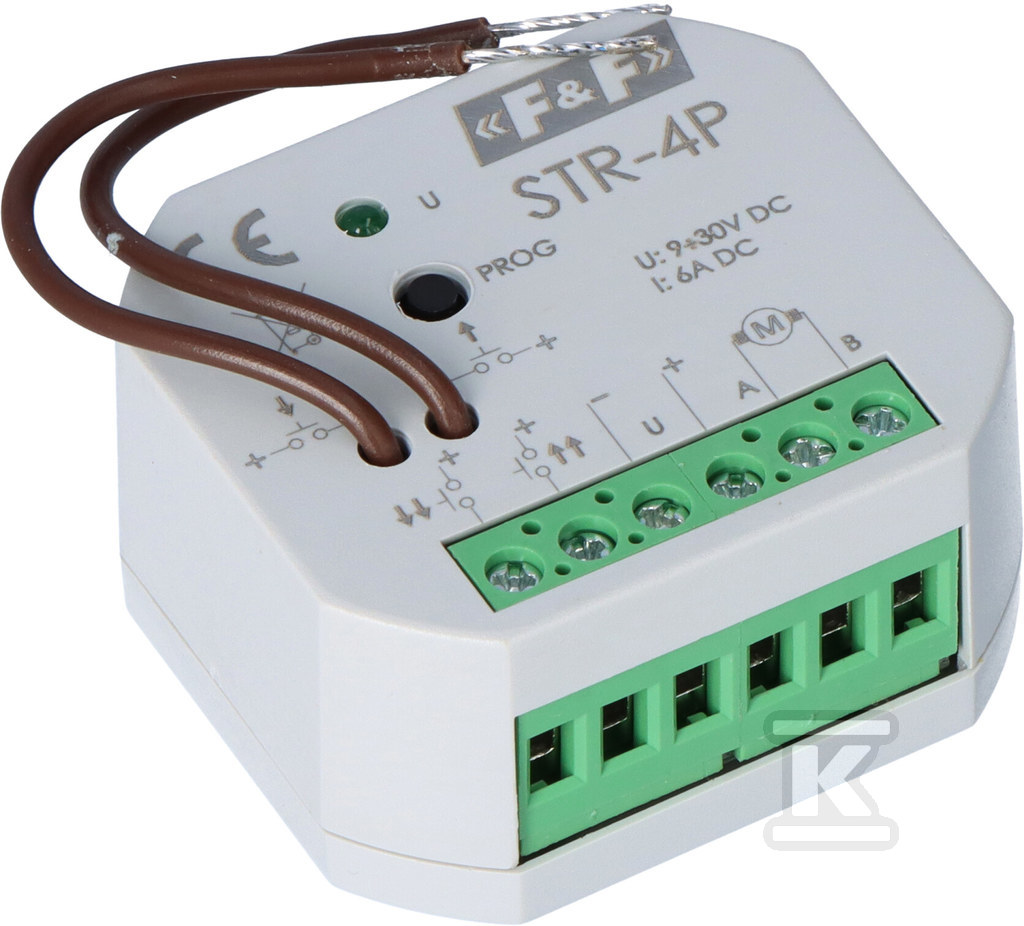 Key installation steps include:
- Selecting the right cables and components.
- Correct assembly and configuration.
- Integration with smart home systems, which enables full automation.
- The process of installing external roller shutters with electrical control includes several stages:
1. Preparing the installation site
Examine the space around the window to make sure it is suitable for mounting the blind cassette.
2. Installing the roller blind
Install the controllers and roller shutter cassette according to the manufacturer's instructions.
3. Connecting the engine
Connect the power cables according to the diagram provided by the manufacturer.
4. Control configuration
Install the appropriate mobile applications and connect the system to a Wi-Fi network.
Correct configuration allows to take full advantage of the advantages offered by automation and control equipment , such as opening schedules or response to changing weather conditions.
How to connect the roller shutter controller to Wi-Fi?
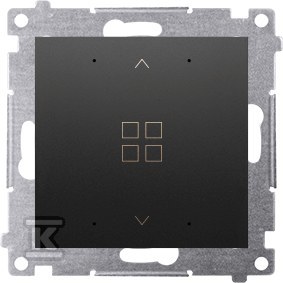 Electric roller shutter control allows you to connect your roller shutter system to your home network, which increases their functionality. Connecting the roller shutter controller to Wi-Fi requires following these steps:
1. Connecting the controller to the network
- Check the operation of your Wi-Fi router.
- Connect the controller according to the technical instructions.
2. Mobile application configuration
- Download the app compatible with your roller shutter control system.
- Go through the process of pairing your device with your Wi-Fi network, entering the required login details.
3. Testing the connection
- Check if the blinds respond to commands sent via the app.
- Test additional features such as time schedules and see how the blind responds to different conditions, such as no internet connection.
Thanks to Wi-Fi integration, the user can control the blinds from anywhere, which increases both convenience and safety.
It is worth knowing that using smart home systems for roller shutters has its advantages, including:
- Synchronization with lighting or other devices, such as heating, allows you to save energy.
- Automatic schedules to close or open blinds at selected times of day provide greater privacy protection.
- Possibility of control via a mobile application or voice assistant, which increases the comfort of use.
Manual control and remote control differ significantly in functionality. The second option allows you to adjust the operation of the blinds without having to physically touch the mechanism.
Check out the roller shutter controllers at the Onninen wholesaler