CCTV Industrial Television is a system composed of many elements, some of which need to be installed in a special installation cabinet. Such a cabinet provides excellent organization of equipment, safety, and an aesthetic concealment of devices: recorder, PoE switches, PDU strips, or devices on a DIN rail. Are you an installer of CCTV systems and wondering what installation cabinet to choose for a small network installation? We provide guidance, taking Lanberg's solutions as an example.
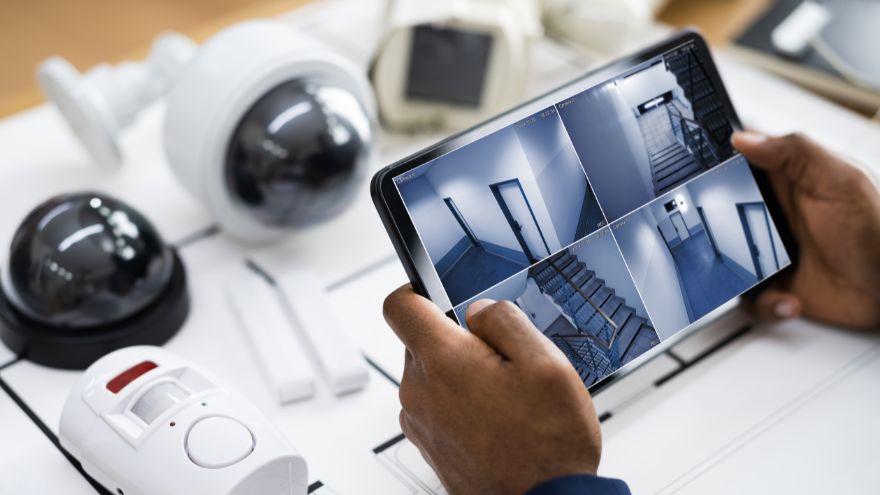
Check CCTV Industrial Television at Onninen wholesaler
Choosing a cabinet for a small CCTV installation – what to pay attention to?
- Size – in small installations, compact wall-mounted cabinets work well, for example, in the size of 19”, with two user rails of 4U height and 3U depth.
- Quality of workmanship – the cabinet for CCTV installation should be solidly made of durable, damage-resistant materials.
- Ventilation holes – proper ventilation is crucial for maintaining a safe temperature for the equipment. It helps avoid overheating of devices.
- Access and security – front doors should provide easy access to devices while protecting the interior from unauthorized access. Optional side or rear access (in the case of two-section wall-mounted cabinets) is an additional advantage.
- Equipment – the cabinet should have factory-prepared cable pass-throughs and holes,
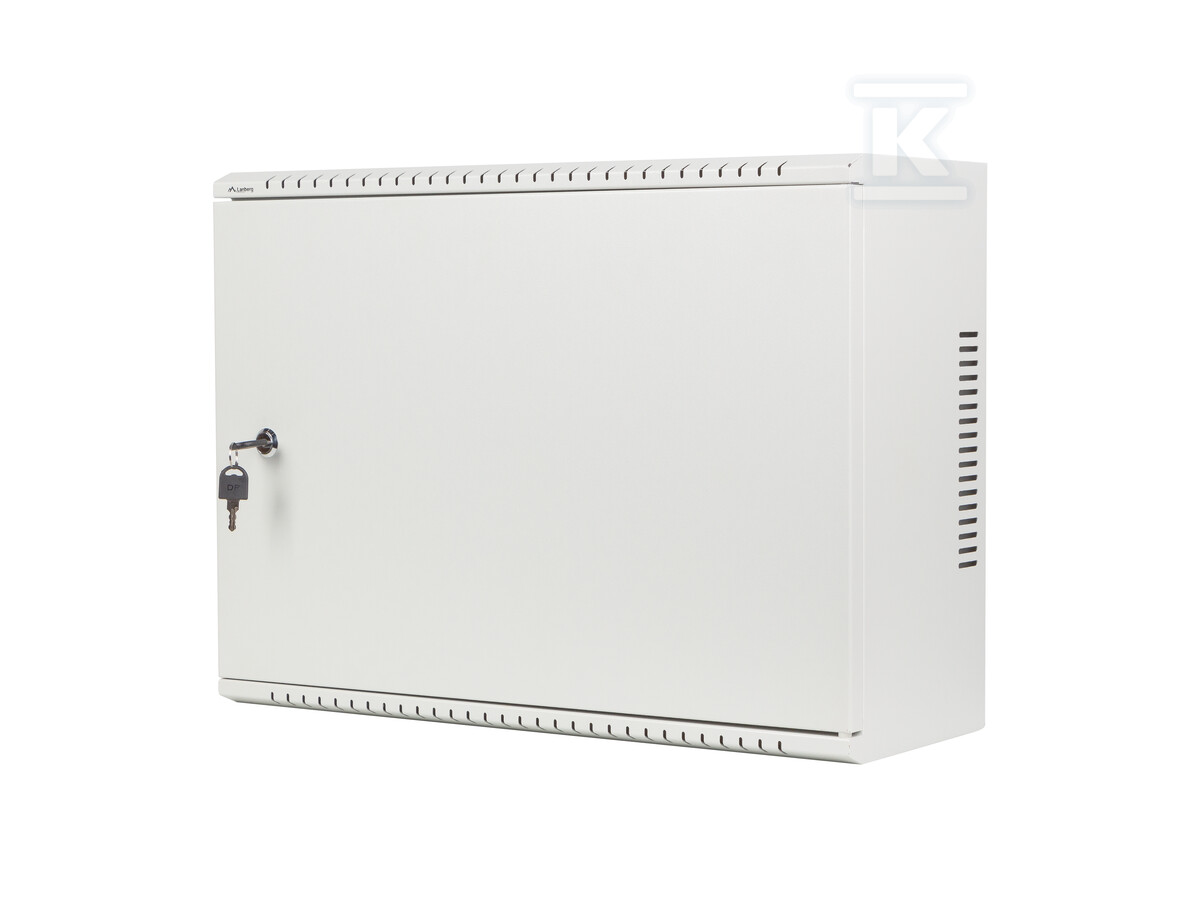 facilitating cable management, as well as a mesh plate and DIN rail.
 - Ease of installation – it is worth choosing factory-assembled cabinets, ready for installation right out of the box, with mounting holes on the back wall. This saves time needed for assembling the elements.
All these requirements are met by IT cabinets and equipment from Lanberg.
Lanberg WAF1 wall-mounted installation cabinets – convenience of installation and equipment safety
Low-profile 19" Rack installation cabinets from the WAF1 series by Lanberg are perfect for small CCTV installations. They are designed with maximum user convenience and flexibility in organizing the interior in mind. Despite their compact dimensions, they surprise with their capacity, which is particularly important in case of limited space. They easily accommodate a recorder, PoE switch, PDU strip, and devices on a DIN rail. These models offer a discreet appearance, excellent organization of equipment, and effective protection. The Lanberg WAF1 cabinet is factory-assembled – ready to be mounted on the wall straight out of the box. Four holes allow for easy and stable installation using expansion plugs.
Another advantage of this series is flexibility. Two user rails of 4U height and 3U depth allow for vertical or horizontal mounting of devices. You have great freedom in configuring and arranging IT equipment. Double-opening doors facilitate control, servicing, and maintenance of devices. The cabinet's design includes ventilation holes that ensure proper air circulation, helping to maintain an optimal temperature for IT equipment. These holes are located in the upper and lower panels as well as in the side walls of the module. Additionally, the upper and lower panels of the cabinet are equipped with removable cable pass-throughs, which facilitate the installation of a brush panel and cable management. As a result, keeping the equipment organized is not a problem. The interior of the cabinet is immediately equipped with a mesh plate for easy and quick mounting of various elements using M4 screws. The set also includes a DIN rail for mounting 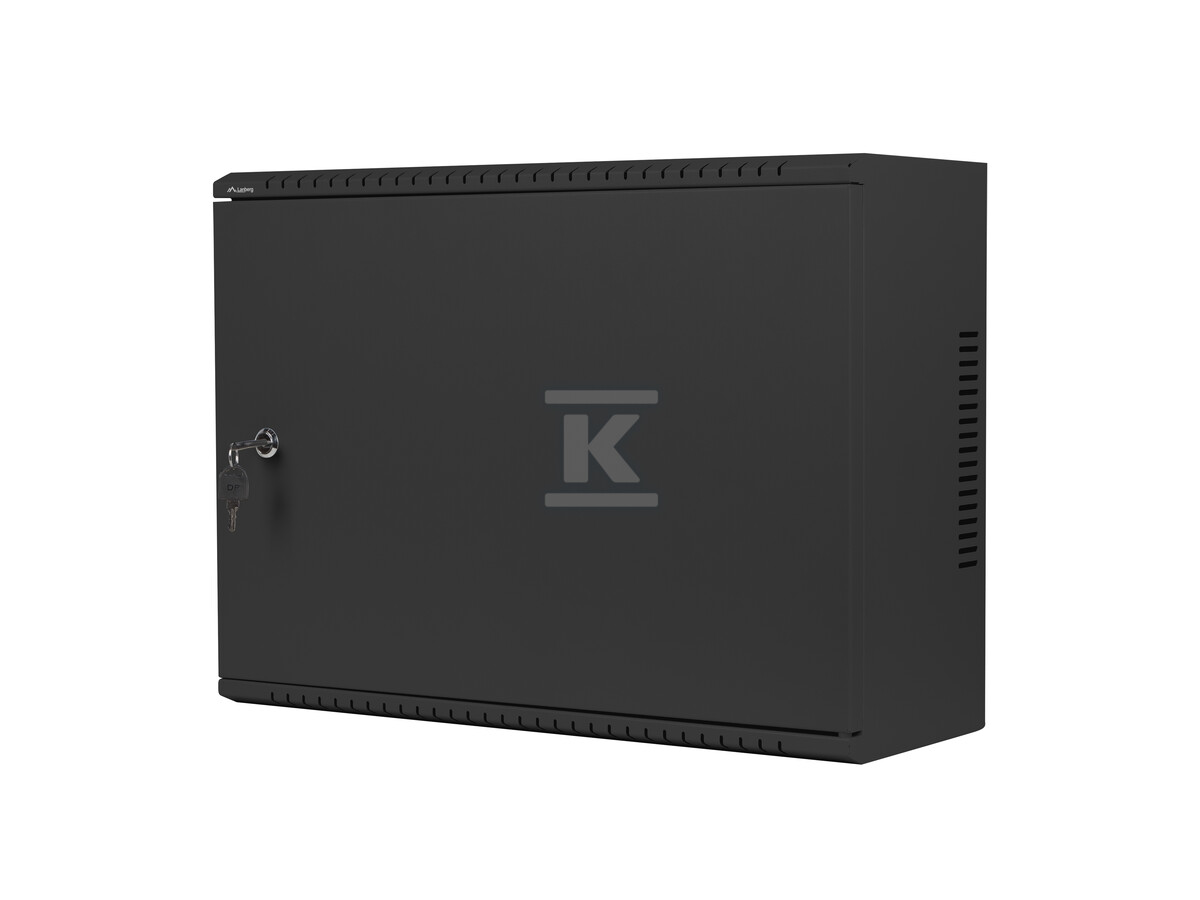 devices and accessories as needed, mounting anchors, grounding wire, and M6 screws.
Choose a model for yourself:
- Lanberg RACK wall-mounted installation cabinet 19" – black,
- Lanberg RACK wall-mounted installation cabinet 19" – gray.
Short installation guide for wall-mounted cabinets for CCTV installations
- Choose the installation location – it is best for the cabinet to be mounted in a dry, well-ventilated room or on a stable wall, easily accessible to the user.
- Secure the cabinet to the wall – using the included expansion plugs and screws, attach the cabinet using the mounting holes in the back wall.
- Organize the cabling – unscrew the cable pass-throughs to run the cables. Use the factory-prepared cable holes.
- Install the devices – the mounting rails in Lanberg cabinets have standard dimensions, allowing for the mounting of a wide range of devices – both from Lanberg and other manufacturers.
- Connect and configure the devices – after installing the equipment, connect and organize the cabling, then configure the CCTV system.
- Close the cabinet – preferably with a key, to more effectively secure the equipment from unauthorized access.