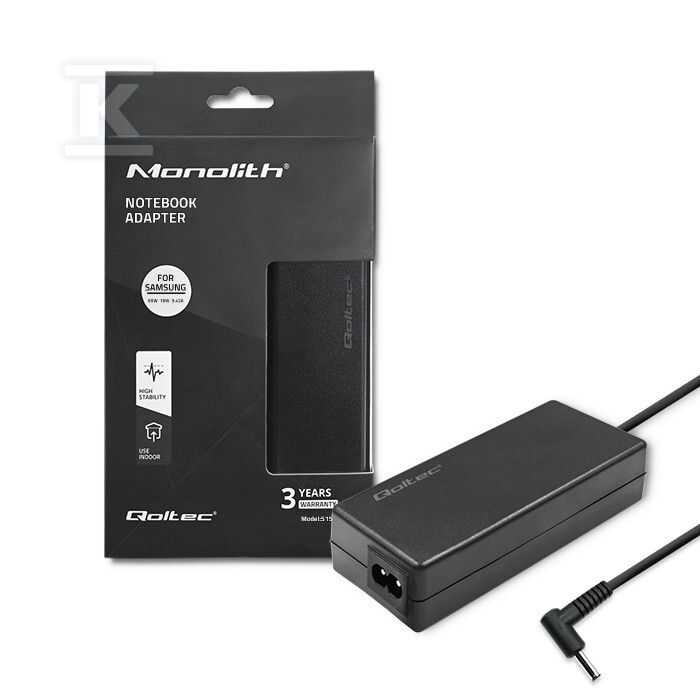
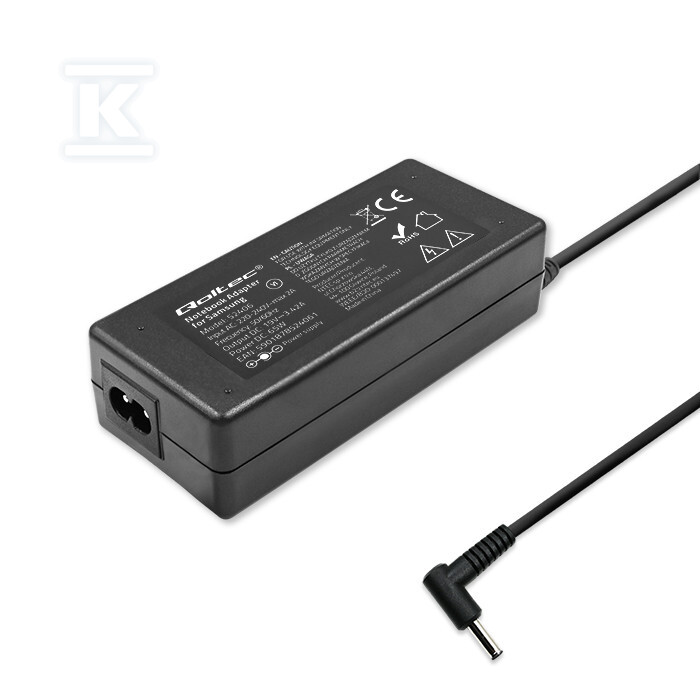
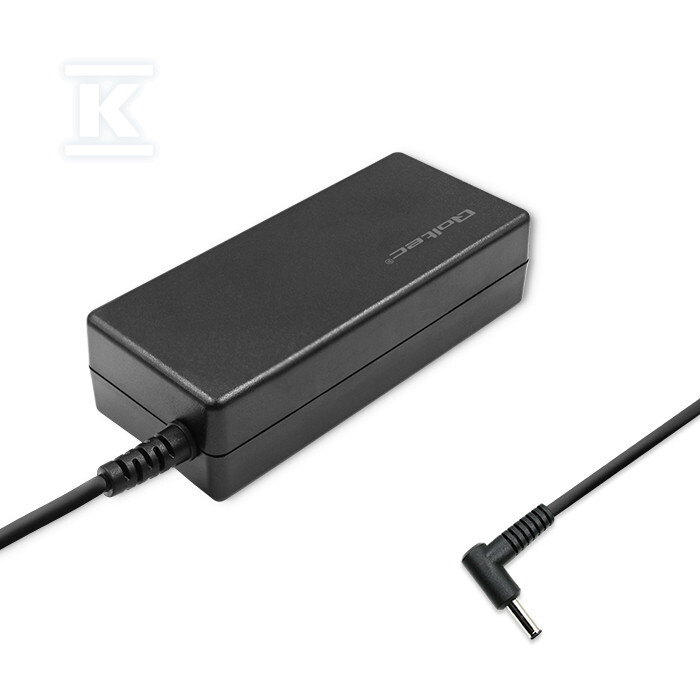
Power adapter for Samsung 65W/19V/3.42A/3.01.0 QOLTEC 52406


Suggested products
TECHNICAL DATA
Sales unit dimensions and weight: 1 pcs
Power adapter for Samsung 65W/19V/3.42A/3.01.0 QOLTEC 52406
Power supply for your Samsung laptop – performance and safety
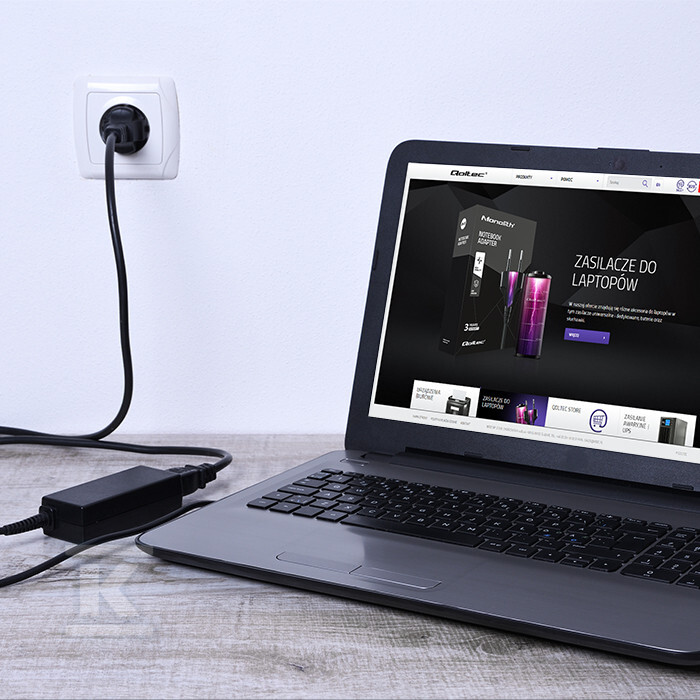
This Qoltec mains adapter is a dedicated solution for Samsung laptops, providing stable and safe power both at home and on the go. Designed for reliability, it will protect your equipment from overvoltage, overload and short circuits. It is an ideal choice as both a main and backup power supply.
Key features and benefits
The Qoltec power supply combines high performance with the safety of your laptop. Thanks to the applied protections, you can be sure about the protection of the device against damage caused by voltage fluctuations or overheating. The set also includes a Velcro strap for cable management, which will make it easier to keep your workspace tidy.
Compatibility: Dedicated to Samsung laptops, providing optimal operating parameters.
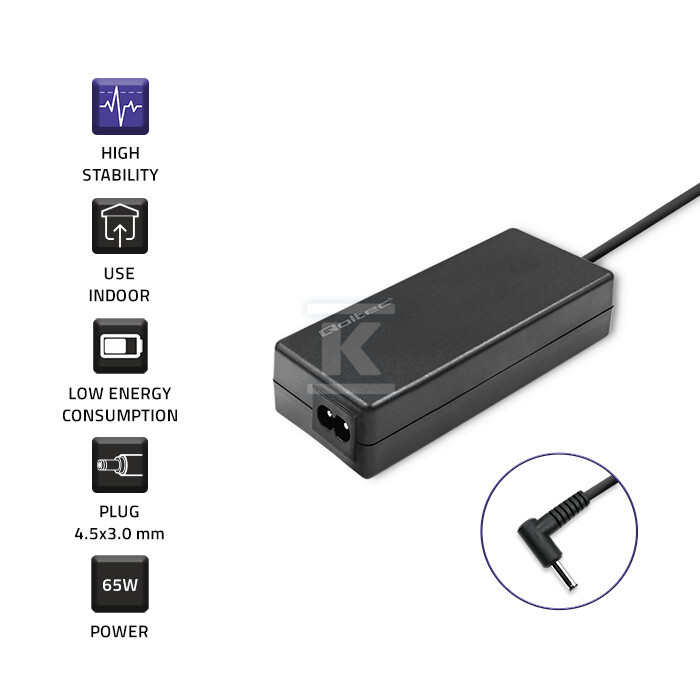
Safety: Built-in protection against overvoltage, overload, short circuits and overheating protects your equipment.
Performance: Provides stable power, affecting the smooth operation of the laptop.
Order: The included Velcro strap allows for convenient management of the power cable.
Durability: Made of high-quality materials guarantees reliable operation for a long time.
Technical specifications and application
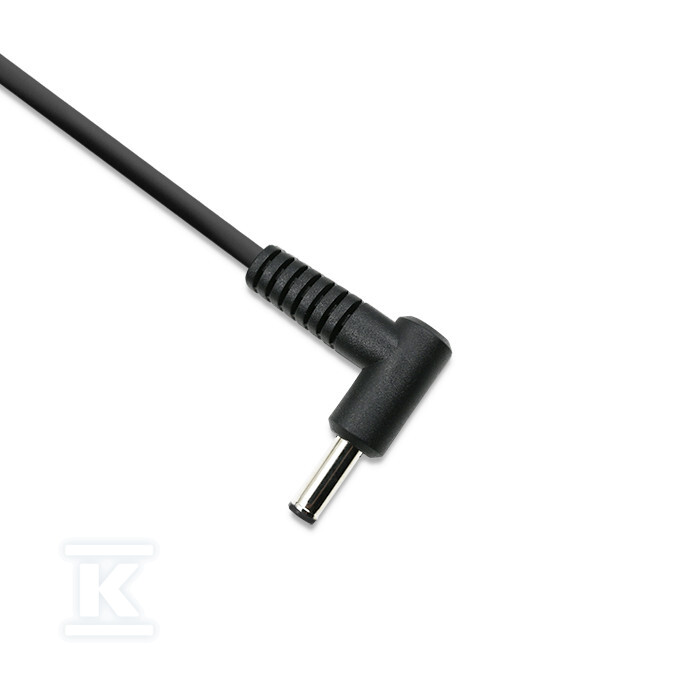
The power supply is characterized by a power of 65W and an output voltage of 19V and a current of 3.42A. It has a plug with dimensions of 3.0 * 1.0 mm, which ensures compatibility with a wide range of Samsung laptop models. It is a replacement for the original power supply, which meets all necessary safety and energy efficiency standards.
Remember – the basic parameters needed to select the right power supply can be found on the label on the bottom of your laptop (INPUT) or on the original power supply (OUTPUT). Check the power (W), voltage (V) and current (A) to make sure the new power supply is suitable for your laptop model. If in doubt, consult a specialist or use the configurator available on the manufacturer's website.