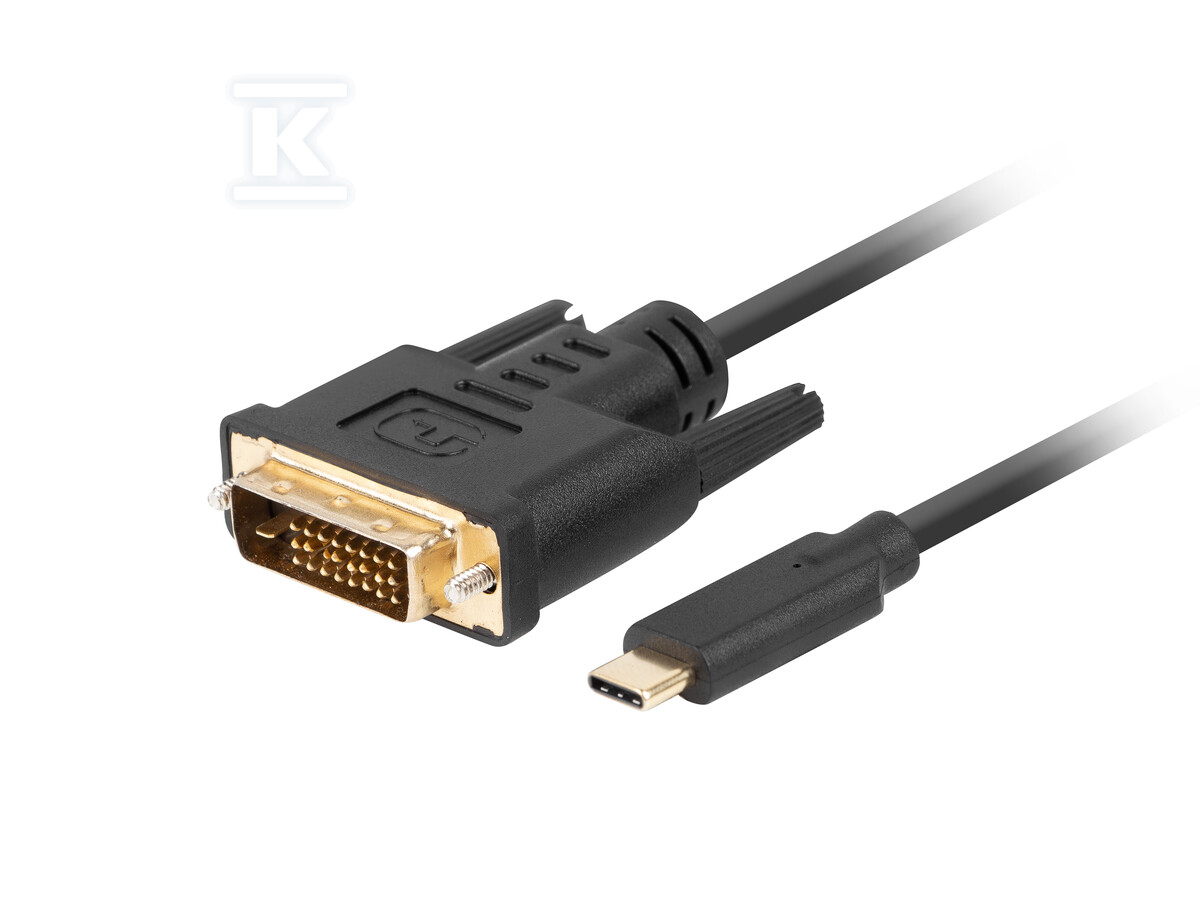
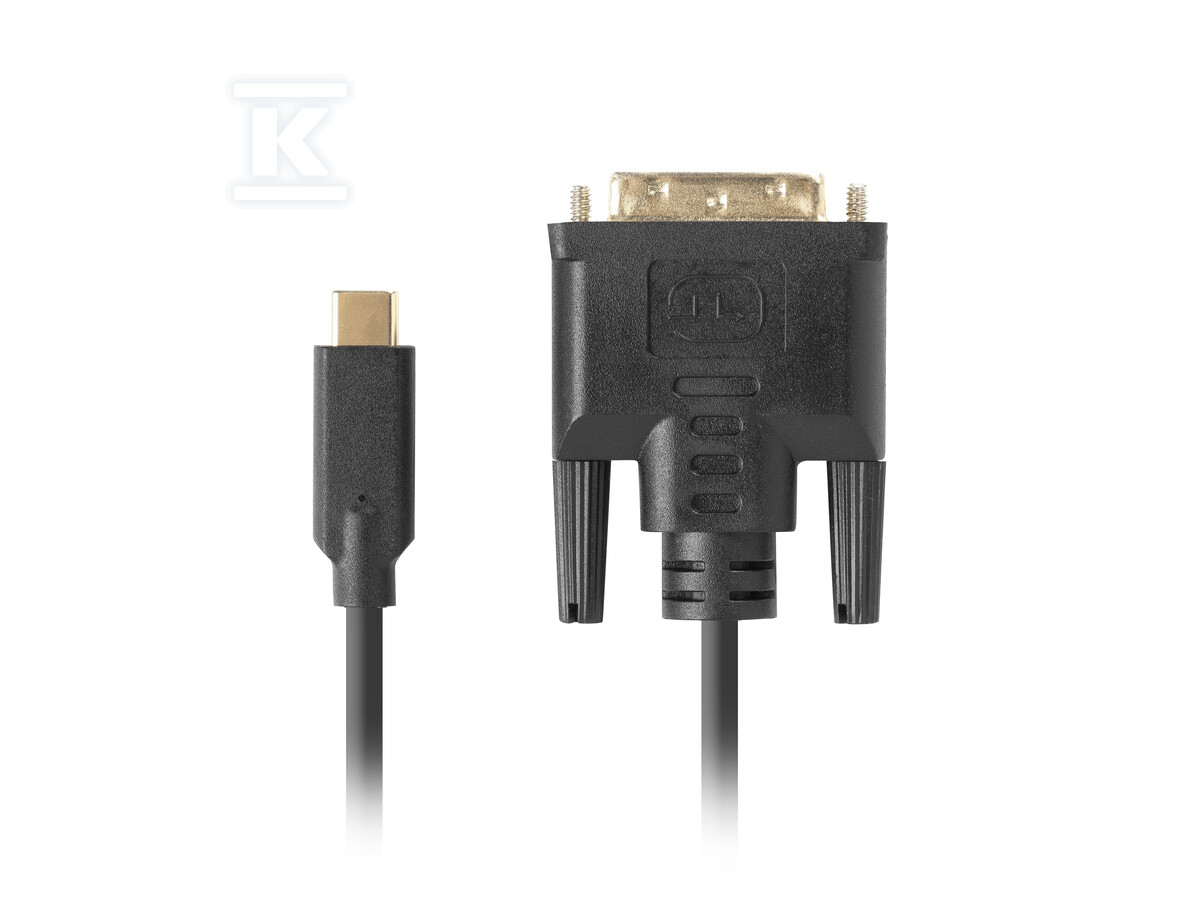
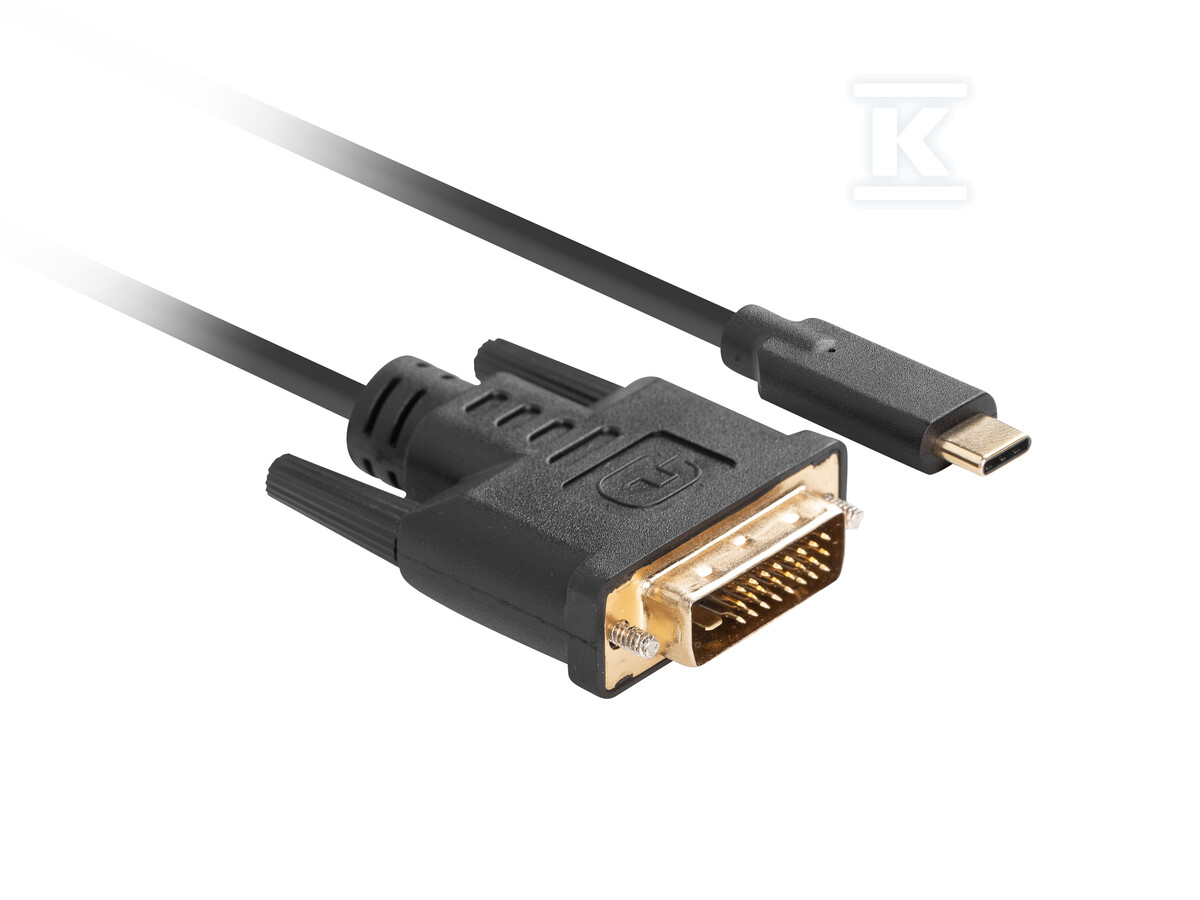
USB-C(m) to DVI-D(24+1)(m) cable 3m black CA-CMDV-10CU-0030-BK

Suggested products
TECHNICAL DATA
Sales unit dimensions and weight: 1 pcs
USB-C(m) to DVI-D(24+1)(m) cable 3m black CA-CMDV-10CU-0030-BK
Universal USB-C to DVI-D cable – a simple connection without adapters
Are you looking for a way to connect a DVI-D monitor to a laptop or other device with a USB-C port? This 3-meter cable is the perfect solution, eliminating the need for additional adapters. Thanks to it, you can quickly and easily get an image quality of up to 4K at a refresh rate of 30Hz.
The cable uses the USB 3.2 Gen 2 standard, which provides high bandwidth – up to 10.2 Gb/s. This guarantees smooth image and stable connection, even during demanding applications. The built-in Realtek RTD2171U chipset ensures compatibility and reliable signal transmission.
The cable design has been carefully thought out in terms of durability and ease of use. Copper wires (CU) with a cross-section of AWG 26 and 32 provide good conductivity, and gold-plated contacts minimize the risk of corrosion and signal quality loss. The plastic braid protects the cable from mechanical damage, and single shielding reduces electromagnetic interference.
- Direct connection: Connect a DVI-D monitor to a USB-C device without the need to use adapters.
- 4K support: Video transmission in resolutions up to 3840 x 2160 pixels at a refresh rate of 30Hz – ideal for work and entertainment.
- Fast data transmission: USB 3.2 Gen 2 standard (10.2 Gb/s) ensures smooth image and stable connection.
- Solid construction: Copper wires, gold-plated contacts and plastic braid guarantee durability and reliability.
- HDR compatibility: Support for HDR standard for better image quality with a wider range of colors and contrast.
- Realtek RTD2171U chipset: Ensures compatibility with various devices and stable video signal transmission.
The cable is black, 3 meters long and finished with DVI-D (24+1 pin) and USB 3.1 Type-C connectors. It will work both in the office and at home, allowing you to conveniently connect a monitor to a laptop, desktop computer or other device equipped with a USB-C port with DisplayPort Alternate Mode (DP Alt Mode) video output support.
CERTIFICATES, APPROVALS, SAFETY, COMPLIANCE AND WARNINGS
cert_title_deklaracja_zgodności_(ce)
Attachments